Attract 10X More Customers With Heyo’s Customized Business Caller Tune!
Unlimited Calls, Multiple Staff. Starts at Rs 300 per month!
• Custom IVR Greeting Message
• Build Your Brand Identity
• Select Auto Call Routing



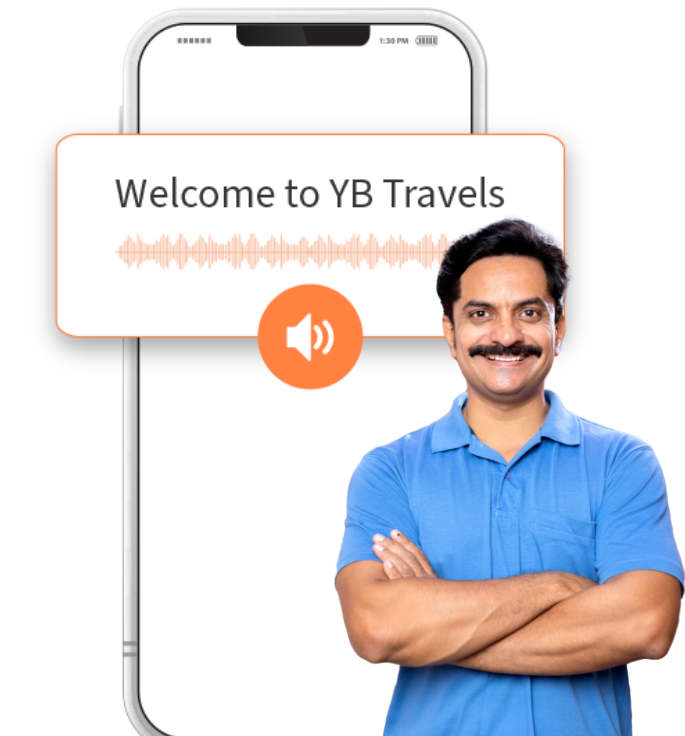
What is Business Caller Tune?
audio message or music clip that plays for callers while they wait for the recipient to answer the phone.
Unlike traditional ringback tones, which are often pre-selected by the caller’s mobile service provider,
business caller tunes are personalized by businesses to convey specific messages, promote branding, or
provide useful information to callers. Heyo Phone offers a brilliant feature when it comes to Business
Caller Tune.
Heyo Phone Business Caller Tune Features
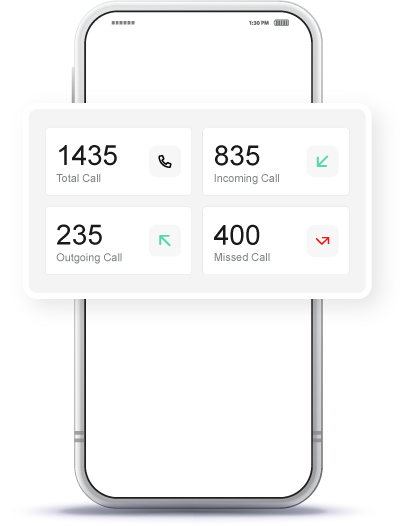
IVR Greeting
With Heyo Phone you can set up a Custom IVR Greeting Message which helps you greet your customers professionally.
Customize Caller Tune
You can customize your caller tune based on your business needs.
Brand Identity
Create a unique Brand Identity with Business Caller Tune.
Broadcast Offers
Maximize your earnings by broadcasting offers through your business caller tune.
Voice Mail
When Staff is busy, customers can send a voicemail to the business phone number.
After Hours Caller Tune
Customized Caller Tunes can be set at out of office hours to inform your customers.
Everyday 1 Million+ Local Business Enquiries
Are Made On Heyo. Are You Missing Out?



Why is the Heyo Smart Number the best choice for your business?
10X More Leads
Get more customer enquiries with a professional number and call distribution.
Turn your business into a brand
With a professional number, custom caller tune, higher google rating and sharable business card.
No missed calls
Ensure your business never misses a call with automatic call distribution
Zero Down-time
Best-in-class call connectivity. Keep your business running with Heyo’s assured 99.8% uptime
Monitor Staff
Monitor and track all of your staff performance with call analytics and reports
Increase Google Presence
Boost your rating on your Google my Business profile by linking it with Heyo.
Heyo Plans and Pricing
Heyo Pro plan
- IVR
- 5 Users
- Unlimited Calls
Small business plan
₹ 300 /month
- 5 Users
- Unlimited Calls
How to Set Your Business Caller Tune With Heyo Phone App?
Heyo Phone Other Features For Business Communication & Growth
IVR
Set up and Manage your business calls easily with Heyo IVR system
Grow your business and get more leads with WhatsApp Business API integrated with Heyo.
Call Recording
All calls are securely recorded & stored on cloud for quality checks and training.
Business Caller Tune
Get professional with customized business caller tunes to greet your customers.
Call Analytics & Tracking
Monitor your team closely with daily call analytics & tracking.
Improve GMB Rating
Integrate your GMB profile with Heyo Phone for improved reviews & ratings.
Missed Call Alerts
Stay informed all the time with Heyo Phone missed call alert notifications.
Voice Mail
Never miss a customer interaction with the convenient voicemail feature.
Local Business Phone Number
Choose from a local DID number for your area without any additional SIM.
Who Is Heyo Phone For?
Professional, Small Office or Agency or a
Retail Outlet
Businesses looking to increase their
customer enquiries
Business/Team with less staff to handle
multiple calls
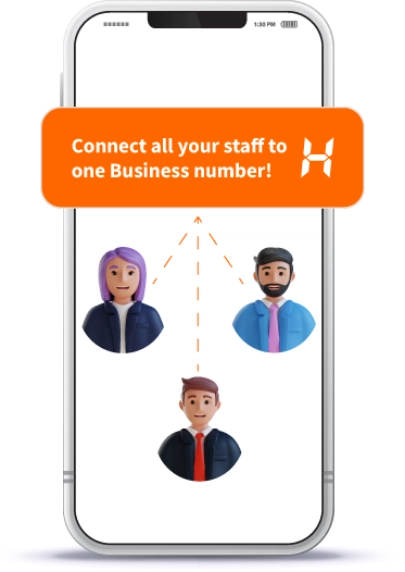
Business Owner who is looking for a
Single Number for them and their staff
A Service Business like a Salon, Tour
Operator or Health Clinic
Small Startups or Teams upgrading their
customer engagement
Checkout The No.1
Trusted and Secured
Small Business Phone Number Ratings Across All Platforms
Heyo Lagega Toh Business
Badhega
IVR & WhatsApp. Start your free trial now!


Heyo FAQs
Step 2:- Tap on ‘Call & Staff’ in Settings.
Step 3:- You will get 2 options namely – ‘Play Welcome Message’ & ‘Manage Staff’.
Step 4:- Tap on ‘Play Welcome Message’ and type the text you want to use as a customized message.
Step 5:- Preview your message by tapping the ‘Speaker’ icon and ‘Update’ for the final result.
• Additionally, you can broadcast offers through your business caller tune and set customized messages for after-hours to inform your customers when you’re not available at the moment.
• This unique and personalized touch helps create your brand image and confirms a memorable customer experience, ultimately building a stronger brand identity.
• By updating your message with interesting offers, you can capture the attention of customers right from the moment they call, thus promoting your marketing efforts and driving sales.
• It’s a convenient way to keep your audience informed about your latest offerings while giving a professional and branded customer communication experience.
• This makes sure that important messages are forwarded even when immediate interaction isn’t possible.
• Additionally, Heyo Phone’s Sequential & Uniform call distribution methods ensure that incoming calls are distributed among available staff members in order, minimizing the chance of missed calls and improving customer service responsiveness.
• This combination of voicemail capability and call distribution helps maintain smooth communication with customers, even during busy working hours.
• Sequential routing directs calls to staff members in a predefined order, ensuring each member receives calls turn-wise, one after the other.
• On the other hand, uniform routing distributes calls evenly among all available staff members.
• This function helps businesses manage call volumes effectively, confirming that every customer inquiry or service request is promptly attended to by the appropriate team member.
• This not only upgrades customer satisfaction by guiding them effectively but also strengthens the brand’s professional image, making communications more smooth and efficient.
• If that doesn’t work, clearing the app’s cache and data or updating to the latest version from the Google Play Store might help.
• Double-check your account status to ensure it’s active and without any subscription issues.
• If the issue still exists, reaching out to Heyo Phone’s customer support at Connect@heyophone.com for personalized assistance is recommended to get back to using the app smoothly.